chronicle • calendar • journal • diary • note • routine • schedule • agenda • to‑do • habit • goal • mood • finance • net worth • log • life • story • daily • minimal • timeline
Chronicle: Journal Calendar


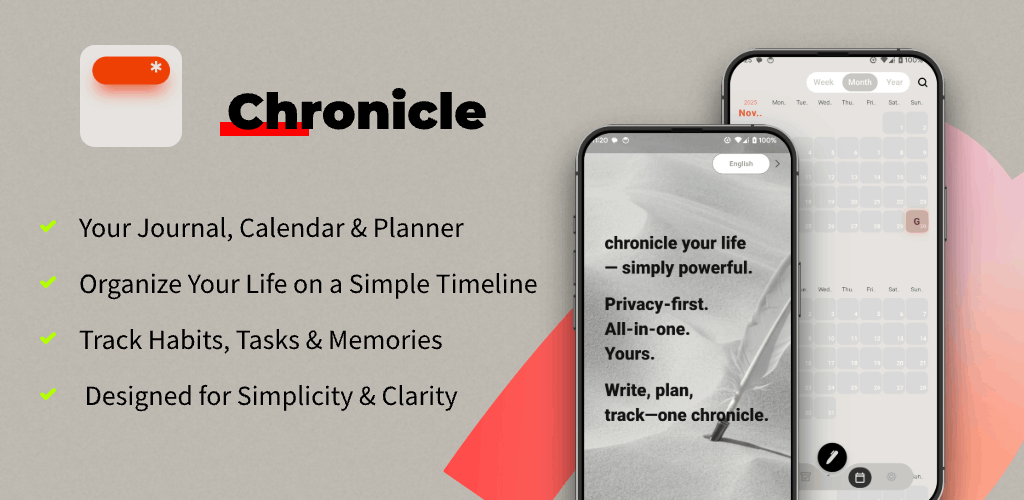
Calendar • Planner • To‑Do • Habit Tracker
Your Entire Life, Beautifully Organized
Calendar + Journal + To-Do + Habit on one simple timeline

The Journal Calendar
Your new home: a seamless, scrollable timeline that is both your schedule and your story. Notes, tasks and diary entries find their place.
Effortless Capture
Quickly add a note, to‑do or journal entry from one unified input. No friction, just flow.
Daily & Weekly Planner
Organize your agenda and tasks with clarity. Plan days and weeks to build routines that stick.
Private Journal
A secure, local‑first space for thoughts, photos and moods. Your data is yours by default.
Simple To‑Do & Habit
Check off goals with a satisfying tap and track minimalist habits without pressure.
Your Life on a Timeline
Smart Timeline
See agenda, tasks, notes and memories in chronological order — your schedule and story together.
Quick Capture
Instantly add a note, task or diary entry from a single button — perfect for “lazy” speed.
Local‑First & Private
Your data stays on device by default. Private journaling for thoughts, photos, moods and memories.

Chronicle At A Glance
HEAR IT FROM OUR USERS
" I've tried every planner and note app. Chronicle is the first one that actually feels like... me. Seeing my tasks and my memories on the same calendar is a game-changer. "

Sarah K.
Designer
" As someone who struggles with staying organized, the simplicity of Chronicle's timeline has brought so much calm to my life. I finally feel in control. "

David M.
Student
Frequently Asked Questions
What is Chronicle?
An elegant Journal Calendar that blends a daily planner, diary, to‑do list and habit tracker into one timeline.
How does the Journal Calendar work?
It unifies schedule and story. Notes, tasks and entries appear in chronological order — your life in one view.
Is my data private?
Yes. Chronicle is local‑first by default. Your data stays on your device unless you opt into cloud features later.
Is there a free version?
Yes. Free to get started with core features. Chronicle Pro unlocks advanced options.
What is Chronicle Pro and pricing?
Pro offers unlimited entries, future features, widgets and customization. Pricing follows real‑time in‑app display (monthly/annual from $2.99 to $4.99).
Does it support daily & weekly planning?
Yes. Plan days and weeks, build routines and keep goals visible on your timeline.
How do I quickly capture items?
Use the unified input to add a note, task or diary entry instantly.
Where can I read the Privacy Policy and Terms of Use?
See the links in the Pro section above: Privacy Policy and Terms of Use.
Does it integrate with Google Calendar, Docs or classroom portals?
Chronicle is local‑first and focuses on a personal timeline. Use it side‑by‑side with Google Calendar/Docs, Classroom or Canvas. No direct portal login is required.
Is Chronicle a banking or cash app?
No. Chronicle helps you log finance and net worth privately. For payments, transfers or balances, use your bank, Cash App or financial services.
Is Chronicle good for students and classroom use?
Yes. Plan classes, assignments and exams alongside notes and diary entries. Works well next to Google Classroom or Canvas — keep your daily view simple.
Can I use it with work tools like Outlook or Asana?
Yes. Keep agenda, notes and goals on your personal timeline while using tools like Google Calendar, Outlook, Teams, Asana or ClickUp side‑by‑side.
Is Chronicle suitable for ADHD and routine building?
Minimal design reduces friction. Build routines with a calm daily schedule and keep one clear view of tasks and notes.
Do Pro subscribers get priority support?
Yes. Subscribers enjoy priority access to customer support in addition to advanced features.
How is payment handled and how do I manage renewal?
Purchases are charged to your iTunes Account. Manage subscriptions via your Apple ID settings; renewal follows App Store rules and can be canceled at any time.
Is subscription available now?
Subscriptions may be introduced later. Follow in‑app notices for availability and pricing.
How do I contact support?
Email winkiwiki@QQ.com with your app name, platform and version for faster help.
Download Chronicle today and start building the story of your life.
Free to get started — Planner, To‑Do & Habit Tracker on one timeline.